
The Magic Clap Switch
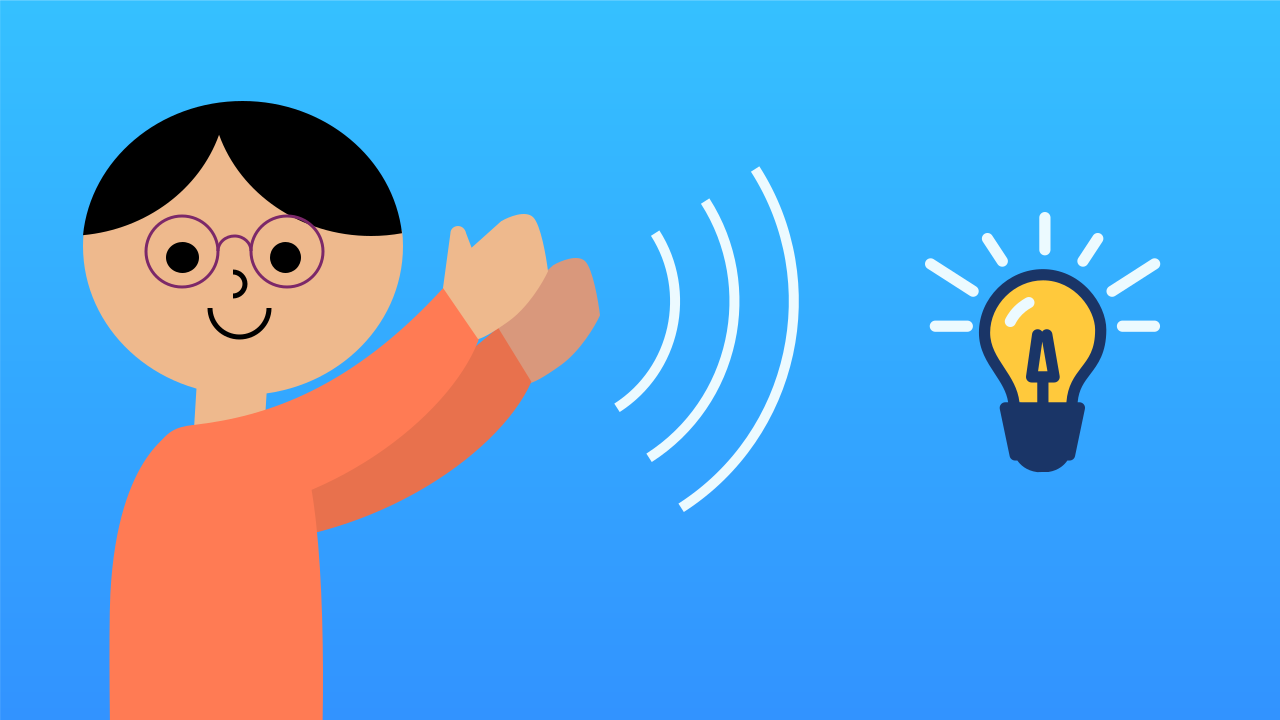
You've mastered the pieces of the puzzle: events that listen, variables that remember, and conditionals that decide. Now, in this synthesis mission, you'll bring them all together to build a classic, magical project: a switch that turns a light on and off with a clap. Get ready to build your first "smart home" device and show off everything you've learned!
Level Intermediate
What will we do?
Are you a teacher?
Courses
- Grades 6-12
Materials
- Cell phone, tablet, or computer
- Internet connection
- Cardboard, scissors and a couple of rubber bands to hold the phone against the cardboard
Description
This is a synthesis project designed to review and solidify the interactive cycle (Event -> Variable -> Conditional) in a clean, practical application. It introduces a purely event-driven program architecture that needs no main loop for its logic, demonstrating an efficient programming paradigm.
Educational Objectives
- Synthesize and apply the concepts of events, state variables, and conditionals in a single project.
- Implement "switch" (toggle) behavior.
- Build an efficient, purely event-driven program.
- Connect programming concepts to real-world applications such as home automation.
Start (10 minutes) - Assembling the Engine
- Welcome the class: "Today we're going to act like engineers and assemble all the pieces we've learned to build a finished product that shows off everything. Our goal: a clap-activated light switch."
- Ask the students to work out the architecture: "Which programming 'pieces' that we already know do you think we'll need to build this?" Guide them to identify the need for:
- An event to detect the clap.
- A variable to remember whether the light is on or off.
- A conditional to decide whether to turn it on or off.
- Congratulate them: "Exactly! You already have the blueprint in your heads. Now, let's build it."
Synthesis: Putting the Puzzle Pieces Together
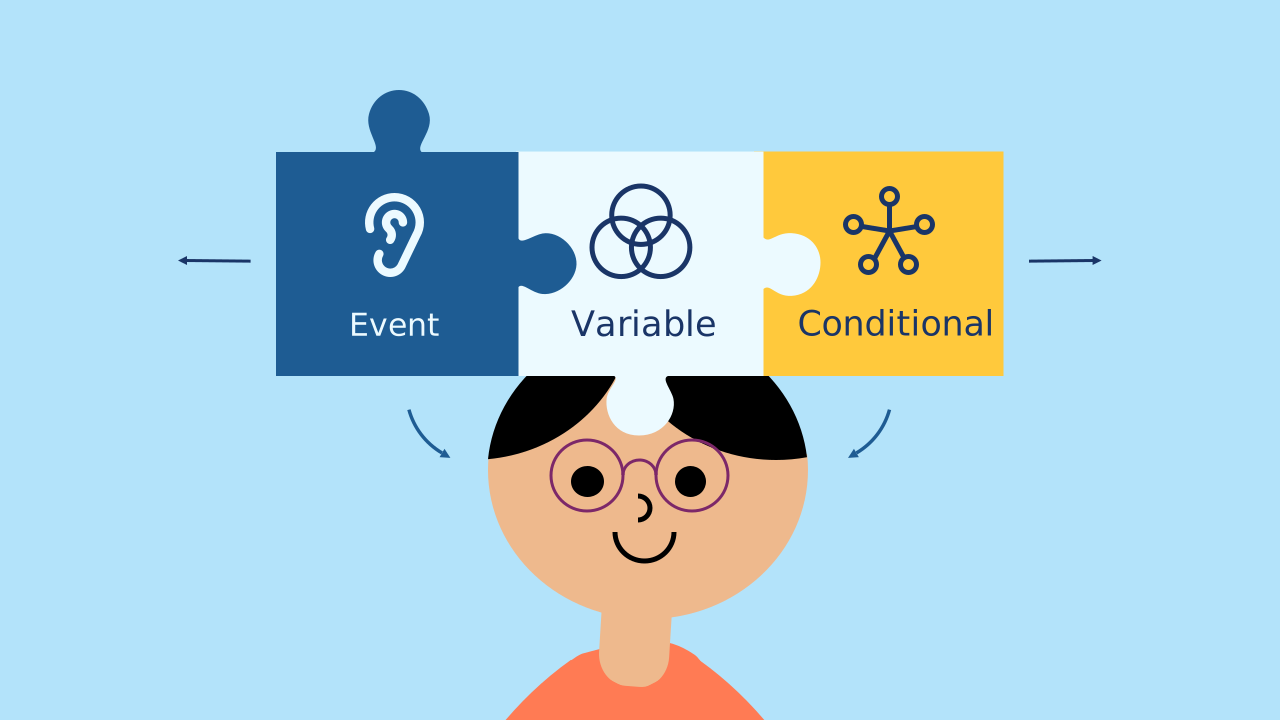
You've learned the three superpowers of interactive programming:
- Events: To react to actions from the outside world (like a clap).
- Variables: To give your program a memory and remember its state (such as whether the light is on or off).
- Conditionals: To make decisions based on that state. In this project we won't learn a new concept; instead we'll combine these three into a single elegant, working application, proving that you already have everything you need to create complex projects.
Event-Driven Architecture
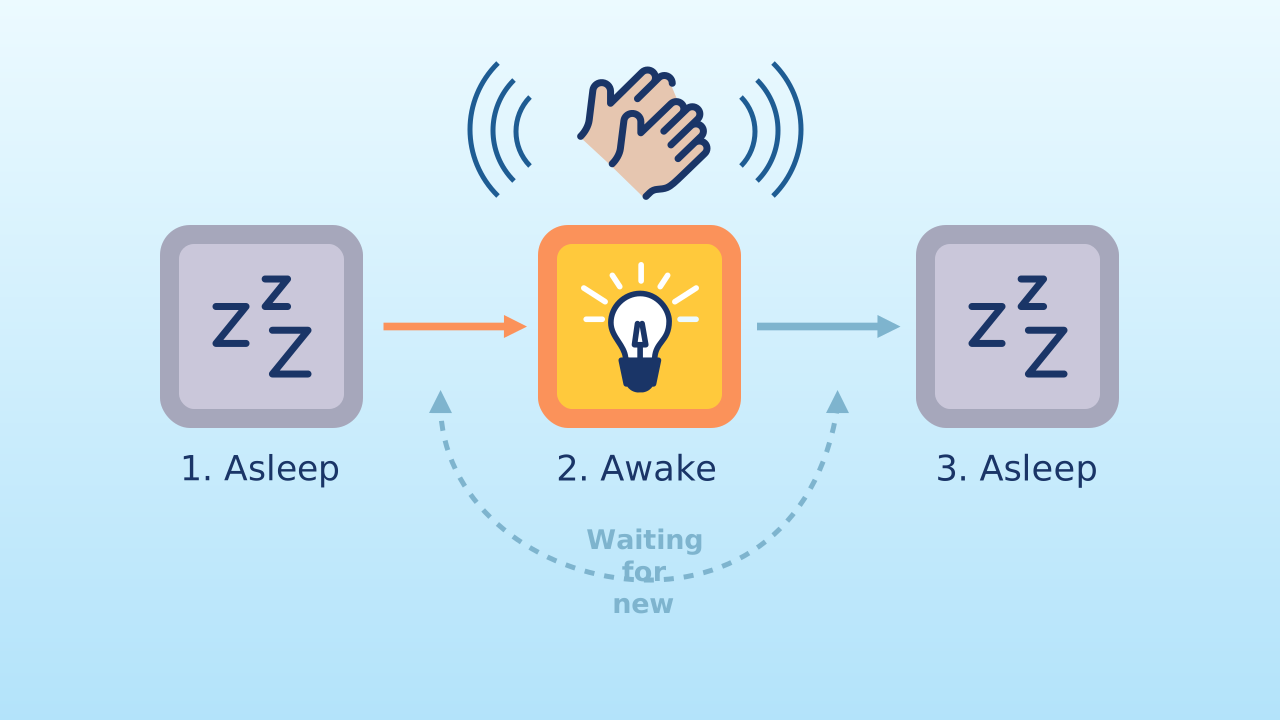
This project uses a very clean and efficient program architecture. Unlike a program that needs a main loop animating non-stop, here there is no main loop for the logic! The program sits completely idle at first. All the action (changing the variable AND deciding what to do with the light) happens inside the very same event block. The program "wakes up" at the clap, does its job instantly, and goes back to "sleep". This way of programming is very common in modern apps, because it saves battery and processor resources.
Development (20-30 minutes) - Building the Smart Switch
- With the architecture clear, students can start assembling.
- Guide them through the instructions for creating the switch, as detailed below. Have them notice the absence of a main loop and discuss why it isn't needed this time.
Closing (5-10 minutes) - An Efficient Program
- Once everyone can control their light with a clap, it's time to look at how elegant the code is.
- Start the discussion: "Look at your finished code. Do you notice something important that's missing compared to earlier projects?" (There's no main loop!). "Why don't we need one? Because all the logic happens inside the event. This is a very efficient way to program."
Reflect
Look at the structure of your code: there is no main loop at all — all the logic lives inside the event. What advantage does that have over a program that repeats instructions forever? Which one do you think uses less battery, and why?
The idea of "home automation" or the "smart home" is built on devices like this one. What other appliances in a house would you like to control with events such as your voice, movement, or a clap?
Right now, any loud noise flips the switch. How could you make it more robust so it doesn't trigger by accident (from a cough, for example)?
Synthesis: Putting the Puzzle Pieces Together
You've learned the three superpowers of interactive programming:
- Events: To react to actions from the outside world (like a clap).
- Variables: To give your program a memory and remember its state (such as whether the light is on or off).
- Conditionals: To make decisions based on that state. In this project we won't learn a new concept; instead we'll combine these three into a single elegant, working application, proving that you already have everything you need to create complex projects.
Event-Driven Architecture
This project uses a very clean and efficient program architecture. Unlike a program that needs a main loop animating non-stop, here there is no main loop for the logic! The program sits completely idle at first. All the action (changing the variable AND deciding what to do with the light) happens inside the very same event block. The program "wakes up" at the clap, does its job instantly, and goes back to "sleep". This way of programming is very common in modern apps, because it saves battery and processor resources.
Create
Let's build the magic switch!
Build the cardboard model— you will also need a couple of rubber bands to hold the phone against the cardboard
- We'll need 2 components on our smartphone: NoiseLevel to detect the clap (a sudden increase in noise) and LEDDraw to act as our 'light bulb'.
- Remember to scan or open both components on your device.
We're ready to program a little magic!
Code Composition
This code is a perfect example of efficiency. when the program starts only sets the state variable to false: the screen starts out dark and the program is left waiting for the first clap. After that, the program simply waits, doing nothing. The event block when Noise Level sudden increase does it all: first, it uses the 'toggle' trick (state = not state) to flip the current state. Immediately afterwards, an if... else... block reads the new value of that same variable and turns the light on or off. This order is not optional: if the if... else... read the variable before flipping it, the light would always show the previous state — the switch would run one clap behind. Everything happens in an instant, and only when it's needed.
Reflect
Look at the structure of your code: there is no main loop at all — all the logic lives inside the event. What advantage does that have over a program that repeats instructions forever? Which one do you think uses less battery, and why?
The idea of "home automation" or the "smart home" is built on devices like this one. What other appliances in a house would you like to control with events such as your voice, movement, or a clap?
Right now, any loud noise flips the switch. How could you make it more robust so it doesn't trigger by accident (from a cough, for example)?